
NordVPN kept almost all of our line speed to its New York and London servers, 99% and 96%, and the nearest server was the slowest of the three. We measured on 9 November 2026 from a 200 Mbps fibre connection in northern Europe using the Mac app on its default “Auto (Recommended)” protocol setting. The numbers below are ours, measured that morning with Apple’s built-in network test, including the awkward ones.
Get NordVPN – $3.49/mo for 27 Months, 30-Day Refund
NordVPN Speed Test Results
| Connection | Download | Upload | Idle latency | Share of the bare line (download) |
|---|---|---|---|---|
| Bare line, start of session (10:40) | 216 Mbps | 201 Mbps | 18 ms | 100% |
| NordVPN nearest server (Quick Connect), attempt 1 | 100 Mbps | 149 Mbps | 22–314 ms | 46% |
| NordVPN New York (United States) | 214 Mbps | 182 Mbps | 110–198 ms | 99% |
| NordVPN London (United Kingdom) | 208 Mbps | 112 Mbps | 113–168 ms | 96% |
| NordVPN nearest server, attempt 2 (11:01) | 114 Mbps | 106 Mbps | 45–227 ms | 76% |
| Bare line, mid-session | 151 Mbps | 87 Mbps | 18 ms | 100% |
| NordVPN nearest server, attempt 3 | 89 Mbps | 79 Mbps | 22–187 ms | 86% |
| Bare line, end of session (11:20) | 103 Mbps | 71 Mbps | 18–21 ms | 100% |
Three things stand out. First, distance did not cost throughput: New York and London, roughly 7,000 and 1,700 kilometres from our line, delivered the full line. Second, the nearest server was the weak one: its three attempts ranged from 46% to 86% of the line measured just before or after, which points at the server (load, or how the app routed to it) rather than the protocol. Third, our own line fell from 220 to about 100 Mbps during the hour, which is why every VPN row is paired with a bare-line reading from the same few minutes; a single before-and-after pair would have told a different and wrong story.
Latency behaved as geography dictates: 18 ms on the bare line, 110 to 200 ms through New York or London. That is irrelevant for streaming and downloads and very relevant for competitive gaming and video calls, which is why our NordVPN gaming guide tells you to pick the closest server that works.
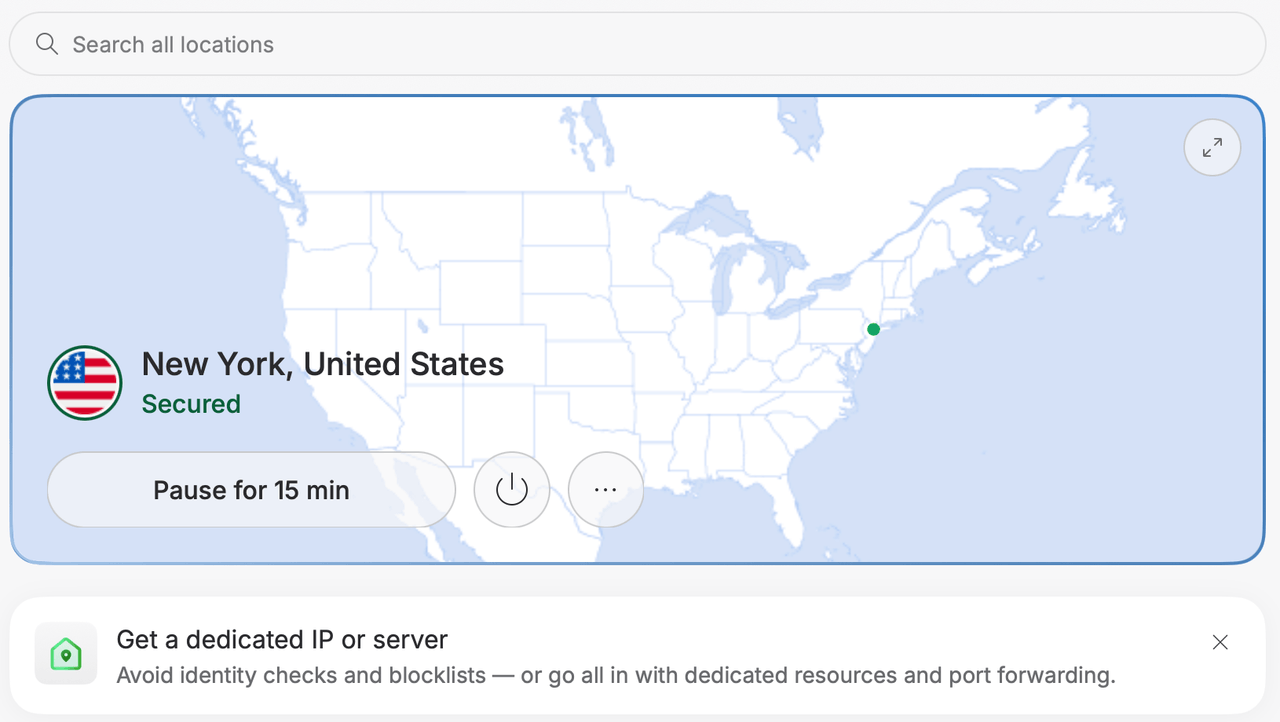
How We Tested
- Line: a 200 Mbps fibre connection in northern Europe, Mac on Wi-Fi, no other heavy traffic that we could see. The line still varied, which is normal and is why the table pairs readings.
- Tool: Apple’s
networkQualitycommand, built into macOS, which measures download and upload capacity, idle latency and responsiveness under load against Apple’s content network. The same tool, two or three runs per connection, averaged. - App and settings: the NordVPN Mac app as installed, protocol on Auto (Recommended), post-quantum encryption off, Threat Protection off. We changed no settings.
- Servers: Quick Connect (which picked the nearest country), then New York and London chosen by name. The nearest server was tested three times across the session.
- What we did not test: gigabit lines, OpenVPN or NordWhisper, mobile apps, or other countries. Our NordVPN review carries the streaming checks run the same morning.
What the Numbers Mean for You
| You want to | Bandwidth needed | NordVPN in our test |
|---|---|---|
| Stream 4K video | About 25 Mbps per stream | 3.5x to 8.5x headroom, even on the slowest attempt |
| Stream HD video | 5–8 Mbps | No issue |
| Video calls | 3–4 Mbps, low latency | Fine on a nearby server; add 110–200 ms through New York or London |
| Competitive gaming | Low latency above all | Use the closest server that works; see the gaming guide |
| Large downloads, torrents | As much as you have | Full line speed to New York and London in our test; see the torrenting guide |
For streaming, the whole table is overkill: even the worst attempt left 89 Mbps, three times what 4K needs. Our NordVPN streaming guide covers which server to use for each service.
How to Fix a Slow NordVPN Connection
- Measure the bare line first. Ours halved during the test session without the VPN. If the line is slow, the VPN is not the problem.
- Switch servers. Pick another city in the same country, or a neighbouring country. Our nearest server underperformed three times while two distant ones did not.
- Set the protocol to NordLynx. “Auto” normally chooses it, but setting it explicitly removes the guesswork. Our NordLynx guide explains why it is faster than OpenVPN.
- Use Ethernet for anything that matters. Wi-Fi is the usual bottleneck on a fast line, with or without a VPN.
- Turn off what you are not using. Double VPN and Onion Over VPN cost speed by design; obfuscated servers cost a little; post-quantum encryption adds overhead on slow devices.
- Close the app and reconnect if a connection has been up for days; a fresh tunnel often lands on a less loaded server.
- Check for throttling. If the VPN is consistently faster than the bare line in the evening, your provider is slowing video traffic and the VPN is hiding it; that is a point for NordVPN, not against it.
If none of that helps, our NordVPN not connecting guide covers the error messages, and NordVPN’s 24/7 live chat will suggest a server.
Get NordVPN – $3.49/mo for 27 Months, 30-Day Refund
FAQ
Does NordVPN Slow Down Your Internet?
A little, and sometimes not measurably. In our November 2026 test on a 200 Mbps line, NordVPN’s New York server delivered 214 Mbps down (99% of the bare line) and London 208 Mbps (96%). The cost you will always notice is latency: a distant server pushed idle latency from 18 to 110–200 milliseconds, which matters for gaming and video calls, not for streaming or downloads.
How Fast Is NordVPN?
As fast as your line, on a good server. Our New York and London servers matched a 200 Mbps connection almost exactly; the nearest server to us varied between 46% and 86% of the line across three attempts on the same morning. Reviewers testing on gigabit lines report several hundred megabits per second on NordLynx; the ceiling is your connection and the server’s load, not the protocol.
Which NordVPN Server Is Fastest?
Usually one the app picks with Quick Connect, but not always: in our test the nearest server was the slowest of the three. If a server underperforms, pick another city in the same country or a neighbouring country and test again; speeds differ server to server far more than country to country at the distances most people use.
What Is the Best NordVPN Protocol for Speed?
NordLynx, NordVPN’s WireGuard-based protocol. The Mac app ships set to “Auto (Recommended)”, which uses NordLynx where it can; set NordLynx explicitly if you want to be sure. OpenVPN is slower and NordWhisper, the obfuscating protocol, slower still; use those only where NordLynx is blocked.
How Do I Run My Own NordVPN Speed Test?
Measure the bare line first, then connect and measure again with the same tool, two or three times each, within a few minutes: our own line swung from 220 to 100 Mbps during one morning, so a single before-and-after pair proves little. On a Mac, Apple’s built-in networkQuality command in Terminal works; on other devices use the same browser speed test every time.
Why Is My NordVPN Slow?
In order of likelihood: a crowded server (switch to another), the wrong protocol (set NordLynx), Wi-Fi rather than Ethernet, a distant server when you only need privacy (use Quick Connect), Double VPN or Onion Over VPN left on, or your own line having a bad hour. Measure the bare line before blaming the VPN.
The Bottom Line
On the servers most buyers care about, NordVPN cost us nothing measurable in throughput and the expected amount in latency. The nearest server had a bad morning, which is the kind of thing a quick server switch fixes. Test it on your own line: the 30-day money-back guarantee covers the experiment.
Get NordVPN for $3.49 a month, or read the full NordVPN review first.
More NordVPN guides
 NordVPN Price 2026: How Much It Costs, Plans From $3.49/mo
 NordVPN Free Trial (2026): How to Get 7 Days Free, and Is NordVPN Free?
 How to Buy & Connect to NordVPN Dedicated IP Address?
 NordVPN Servers List: Locations, States & Types (2026)
 NordVPN WireGuard: How to Get a Config File and Set It Up (2026)
 NordVPN Threat Protection Pro: Ad Blocker, Antivirus and How Good It Is (2026)

